# Changelog
What each release brings, newest first. The [GitHub releases](https://github.com/LoonixTools/face-unlock/releases) add every commit that went into it.
## v2.1.0
_2026-09-28_
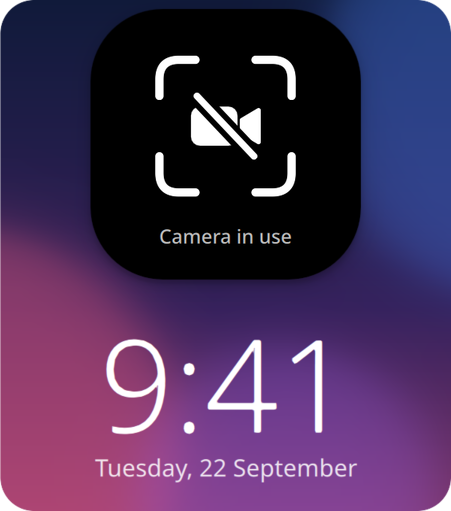
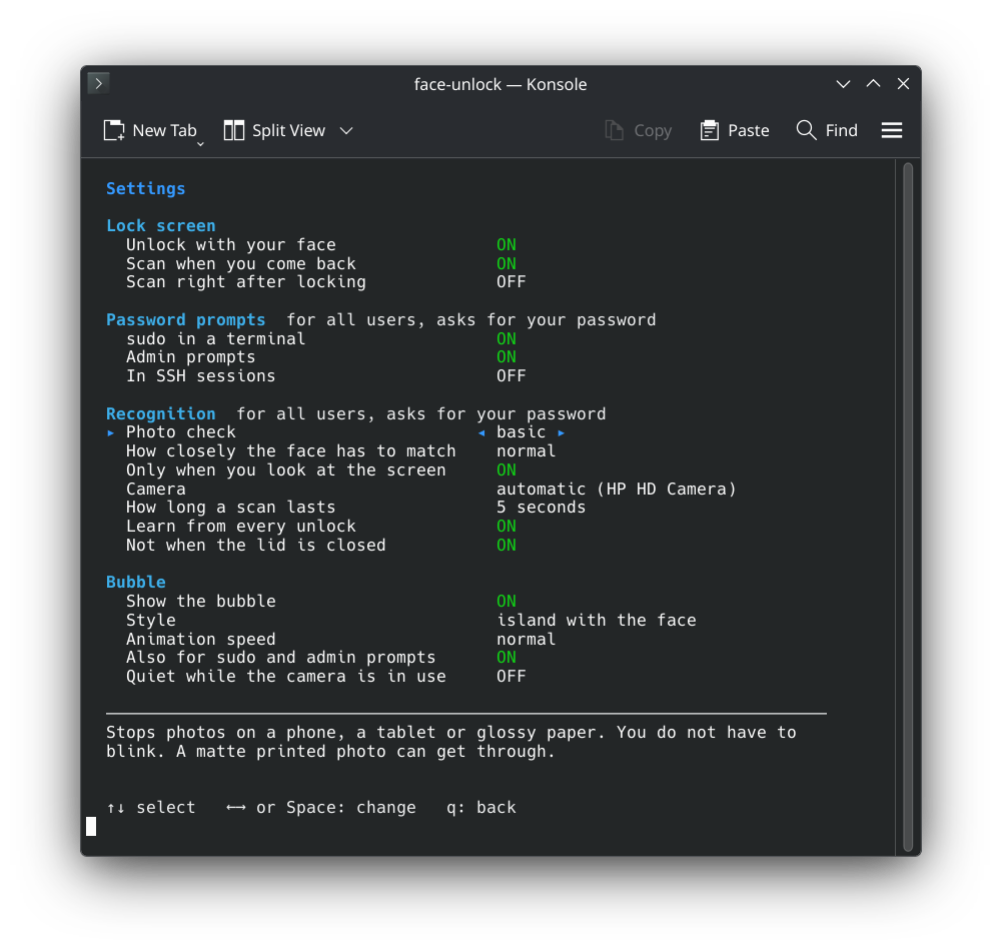
Welcome to face-unlock `v2.1.0`! It now gets out of the way during video calls: when another app uses the camera, you type your password right away. sudo and admin prompts take your face from the start.
### Highlights
- A crossed-out camera when another app uses it
- A setting to stay quiet while the camera is in use
- sudo and admin prompts are on by default
- A setting for sudo over SSH, off by default
## v2.0.0
_2026-09-26_
Welcome to face-unlock `v2.0.0`! plasma-face-unlock has a new name, because it no longer needs Plasma: it now works on GNOME, Hyprland and Niri too.
### 🚨 Breaking changes
- plasma-face-unlock is now called face-unlock, and so is the command. Your faces and settings move over on their own.
- On Arch, `yay -S face-unlock` replaces the old package.
- On Fedora, Debian and Ubuntu the repository moved too. Remove the old `plasma-face-unlock` repository file and add the new one from the [install steps](https://github.com/LoonixTools/face-unlock#install).
### Highlights
- Works on GNOME, Hyprland and Niri
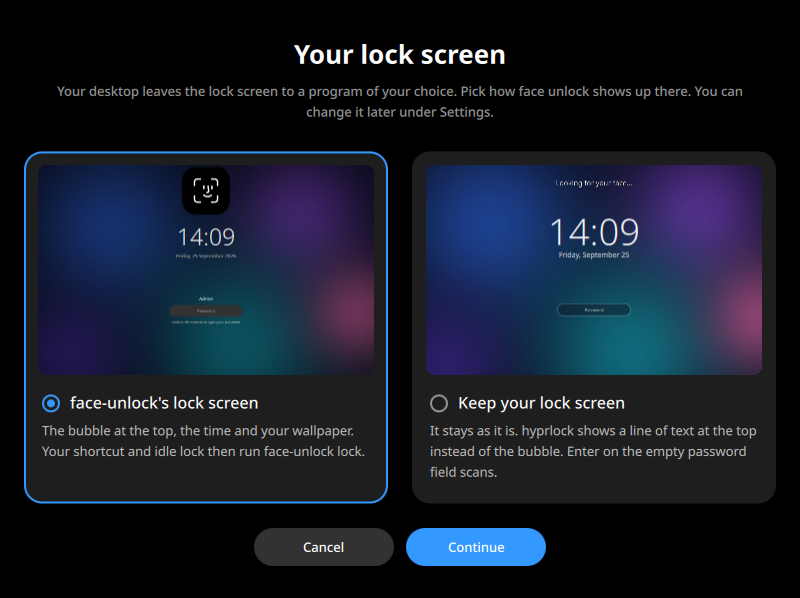
- Unlock hyprlock, swaylock, gtklock and waylock with your face
- A lock screen of its own, with the bubble and your wallpaper
- 12 new languages
- A warning when no polkit agent runs
## v1.0.1
_2026-09-24_
A small update that makes everyday use smoother. You no longer have to blink: the basic photo check is now the default, and it still stops a photo on a phone, a tablet or glossy paper. If you want the blink back, set **Photo check** to `strict` in the settings.
The settings are now grouped and explain the selected one, the animations are a little calmer, and the lock screen unlocks as soon as your face matches.
## v1.0.0
_2026-09-23_
Welcome to the very first release of plasma-face-unlock! It brings Face ID to KDE Plasma: look at the screen and it unlocks. The lock screen, sudo and admin prompts can all take your face instead of a password.
### Highlights

- Unlock the lock screen with your face
- sudo and admin prompts
- A bubble like Face ID
- Photos do not get in
- Packages for Arch, Fedora, Debian and Kubuntu