
3.2 KiB
Changelog
What each release brings, newest first. The GitHub releases add every commit that went into it.
v2.1.0
2026-09-28
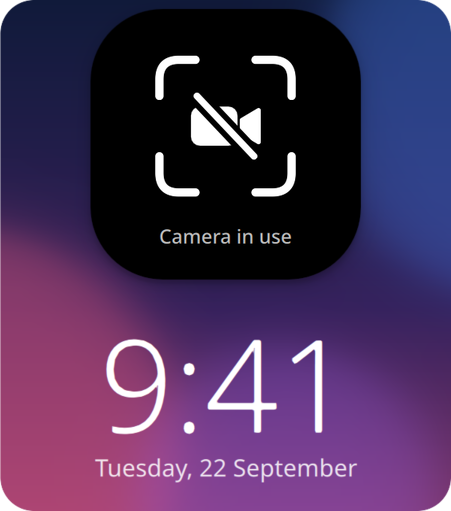
Welcome to face-unlock v2.1.0! It now gets out of the way during video calls: when another app uses the camera, you type your password right away. sudo and admin prompts take your face from the start.
Highlights
- A crossed-out camera when another app uses it
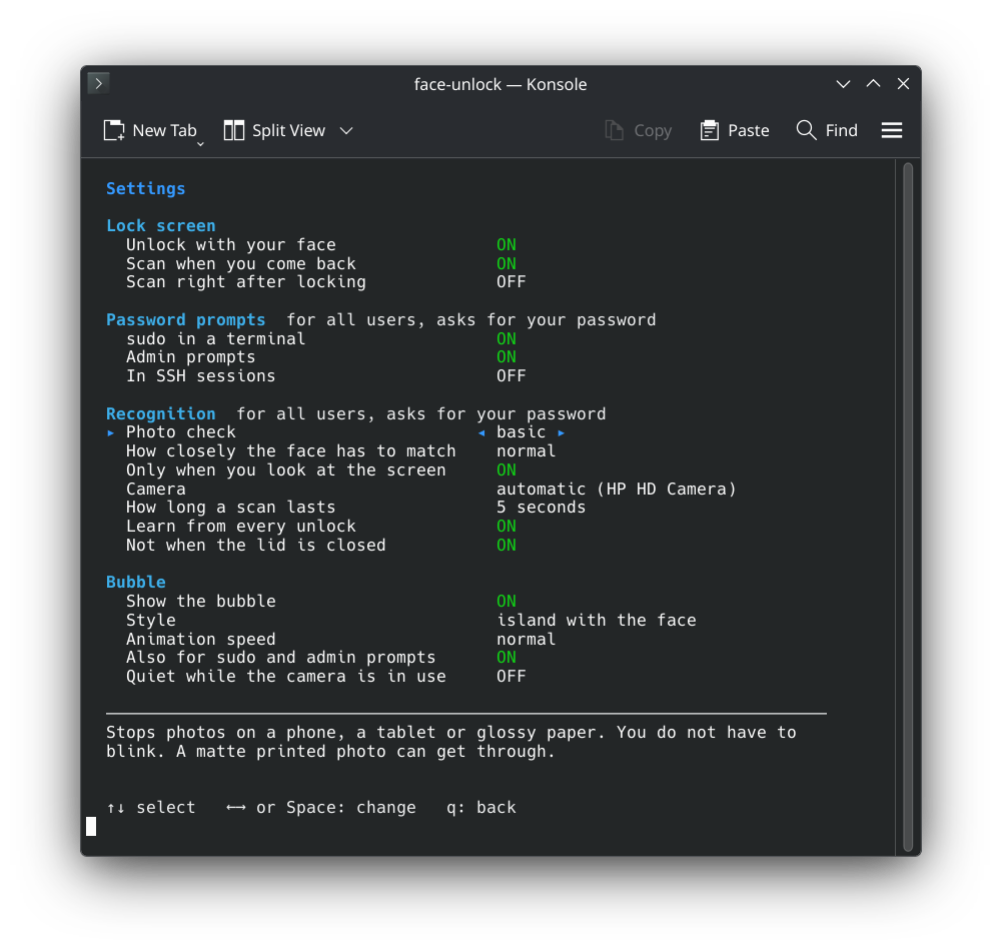
- A setting to stay quiet while the camera is in use
- sudo and admin prompts are on by default
- A setting for sudo over SSH, off by default
v2.0.0
2026-09-26
Welcome to face-unlock v2.0.0! plasma-face-unlock has a new name, because it no longer needs Plasma: it now works on GNOME, Hyprland and Niri too.
🚨 Breaking changes
- plasma-face-unlock is now called face-unlock, and so is the command. Your faces and settings move over on their own.
- On Arch,
yay -S face-unlockreplaces the old package. - On Fedora, Debian and Ubuntu the repository moved too. Remove the old
plasma-face-unlockrepository file and add the new one from the install steps.
Highlights
- Works on GNOME, Hyprland and Niri
- Unlock hyprlock, swaylock, gtklock and waylock with your face
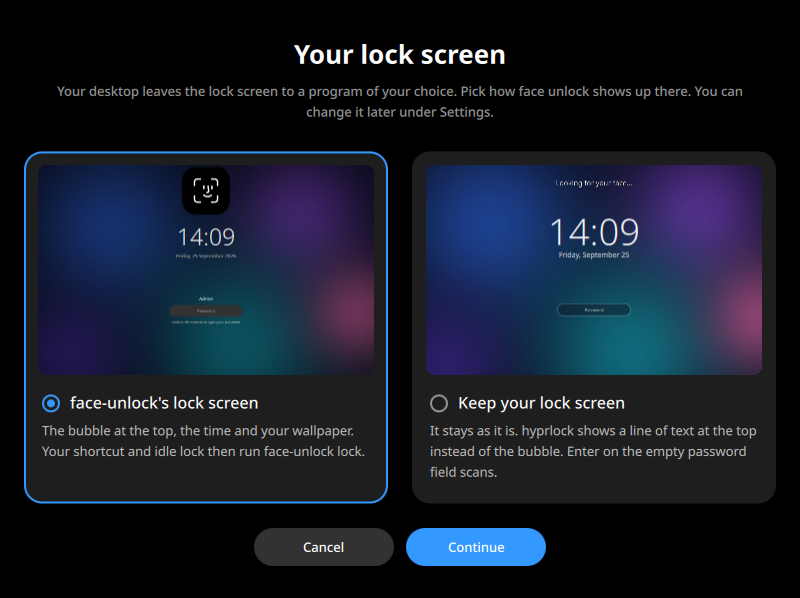
- A lock screen of its own, with the bubble and your wallpaper
- 12 new languages
- A warning when no polkit agent runs
v1.0.1
2026-09-24
A small update that makes everyday use smoother. You no longer have to blink: the basic photo check is now the default, and it still stops a photo on a phone, a tablet or glossy paper. If you want the blink back, set Photo check to strict in the settings.
The settings are now grouped and explain the selected one, the animations are a little calmer, and the lock screen unlocks as soon as your face matches.
v1.0.0
2026-09-23
Welcome to the very first release of plasma-face-unlock! It brings Face ID to KDE Plasma: look at the screen and it unlocks. The lock screen, sudo and admin prompts can all take your face instead of a password.
Highlights
- Unlock the lock screen with your face
- sudo and admin prompts

- A bubble like Face ID
- Photos do not get in
- Packages for Arch, Fedora, Debian and Kubuntu